Go to careup.online
#
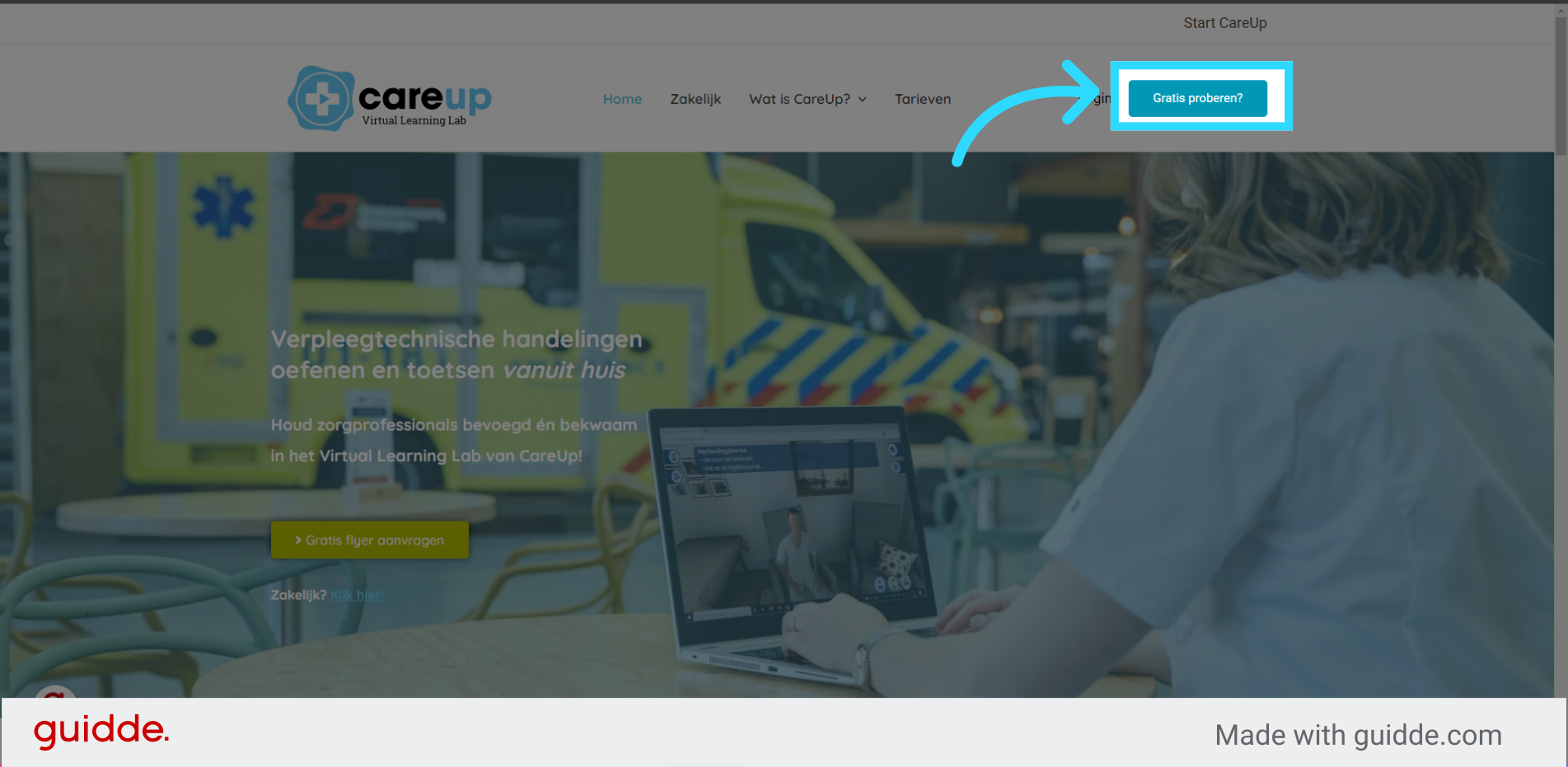
1. Click “Try for free?” #
Click on the “Try for Free?” button on the CareUp homepage.
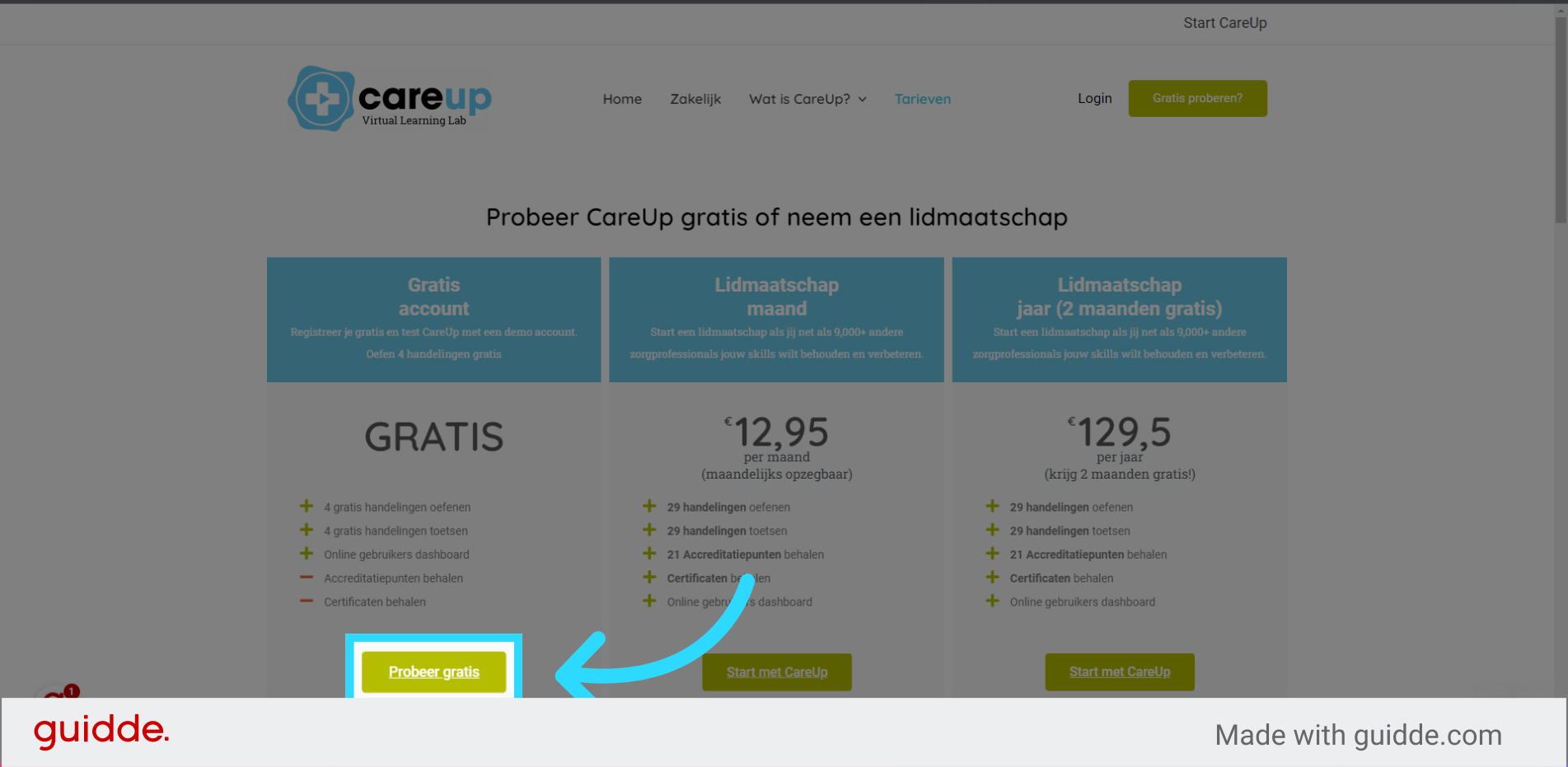
2. Click “Try for Free” #
Click on the “Try for Free” button to create a free account.
3. Choose a username #
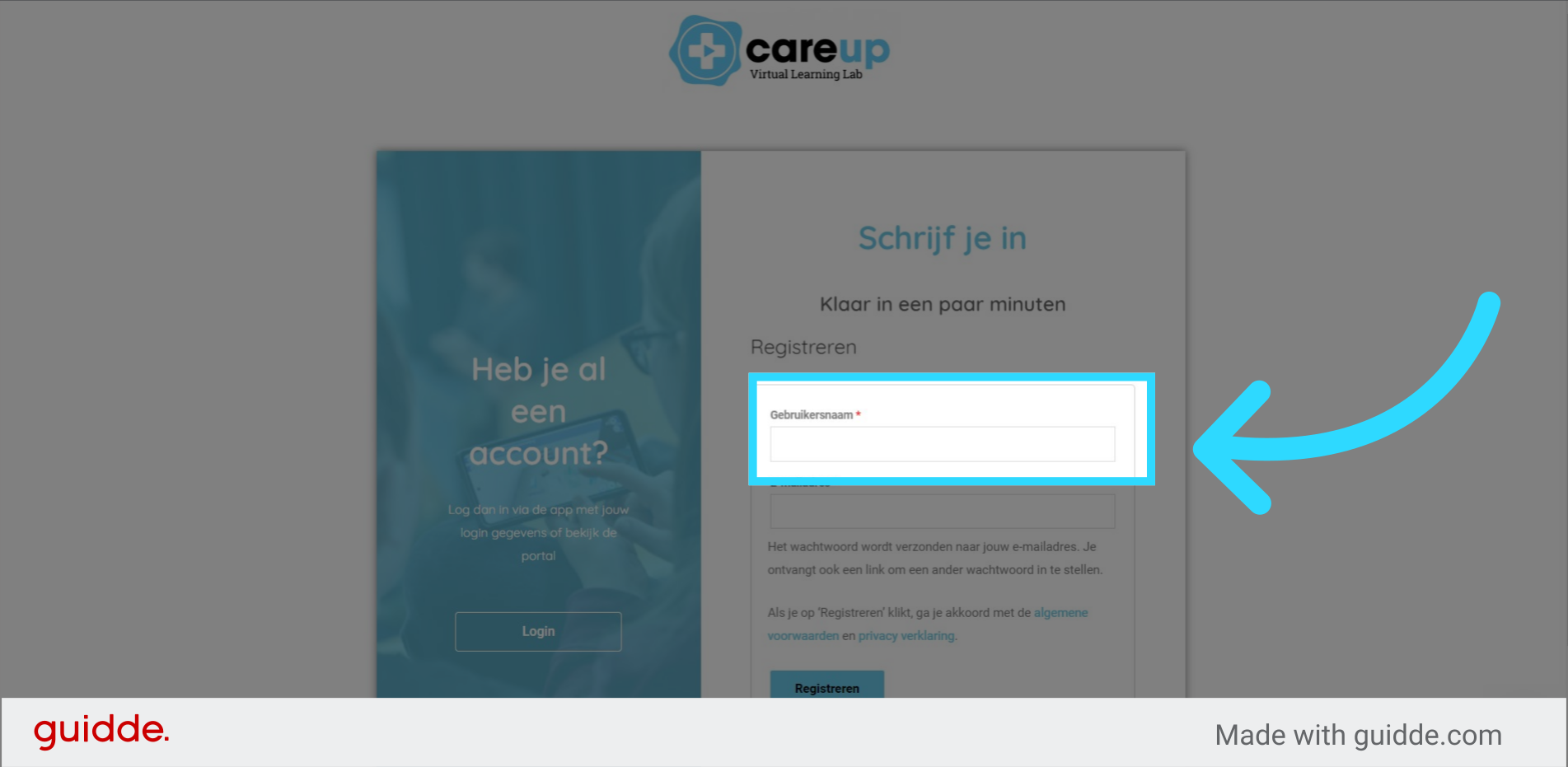
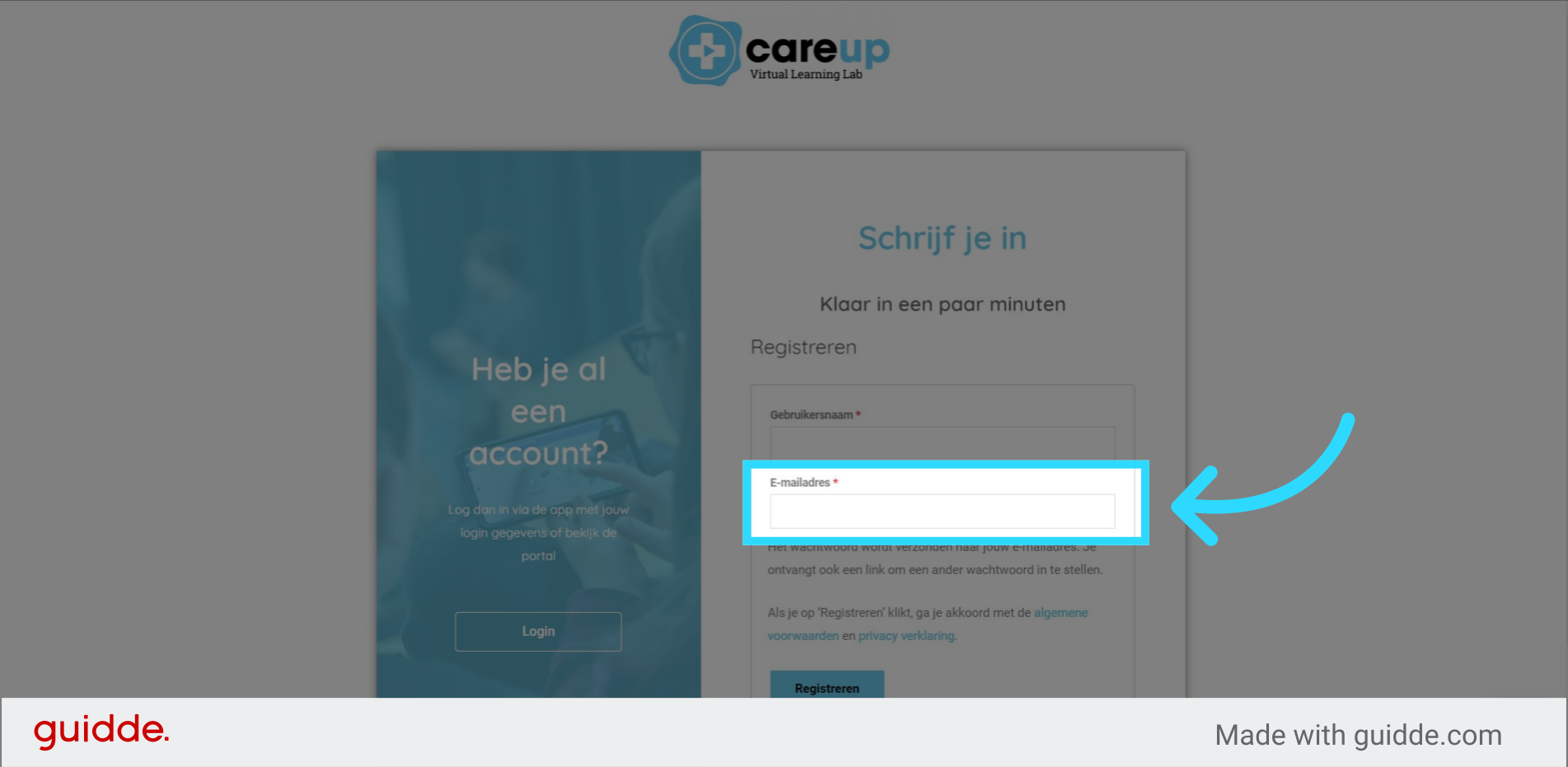
4. Enter your email address #
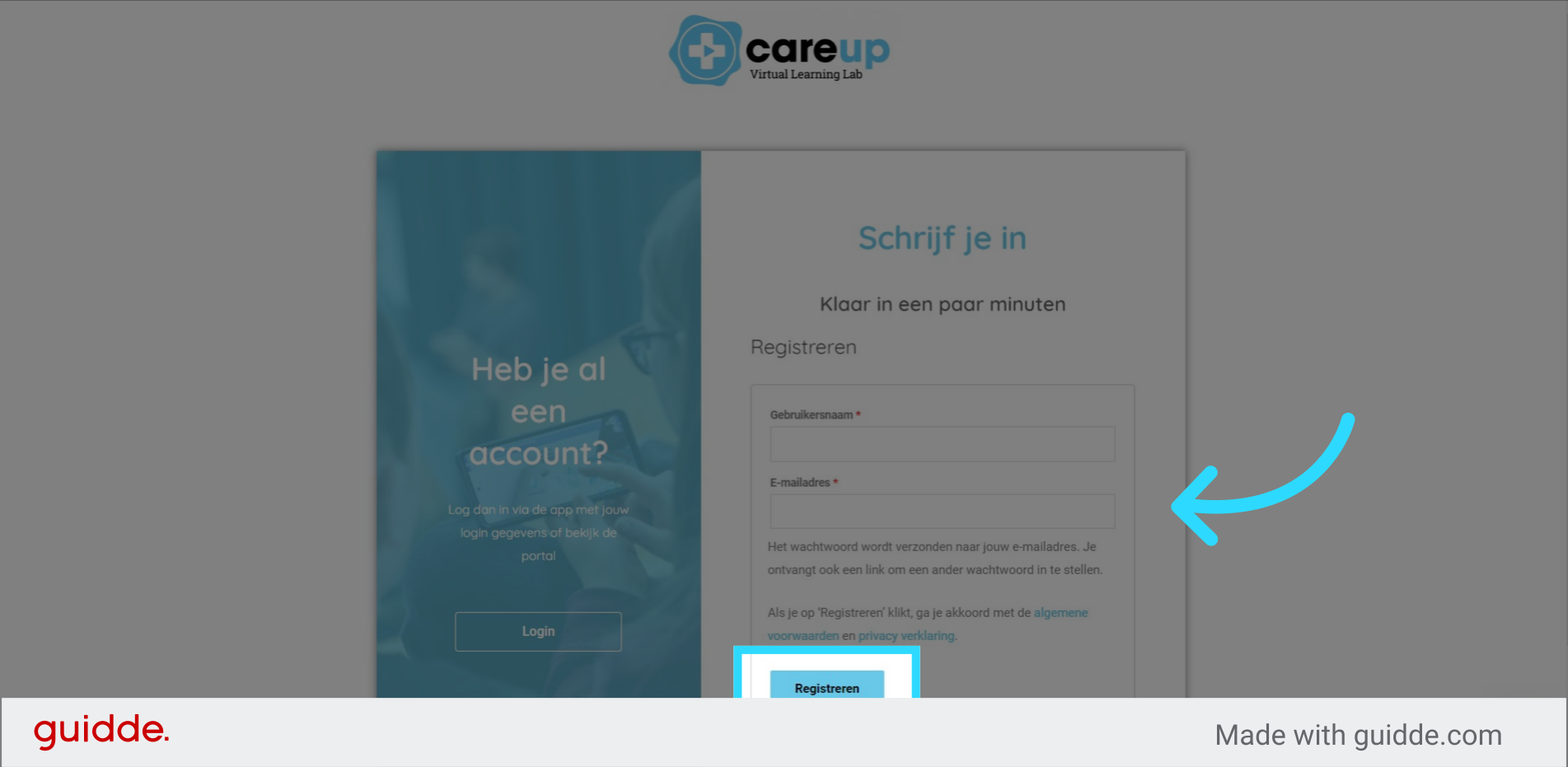
5. Click on the “Register” button #
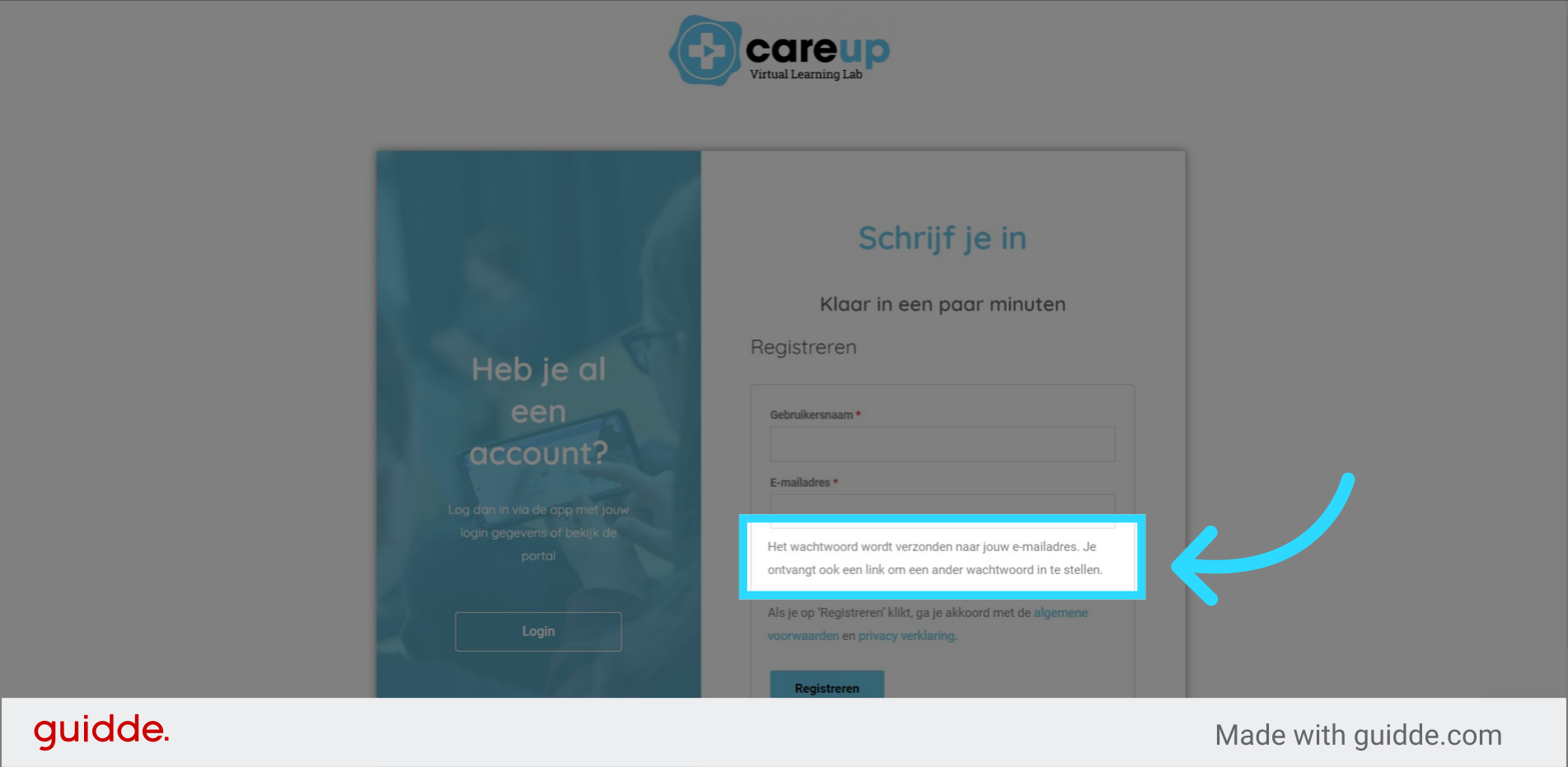
6. The password for your account will be sent to your email. Create a password link together so that you can change your password. #
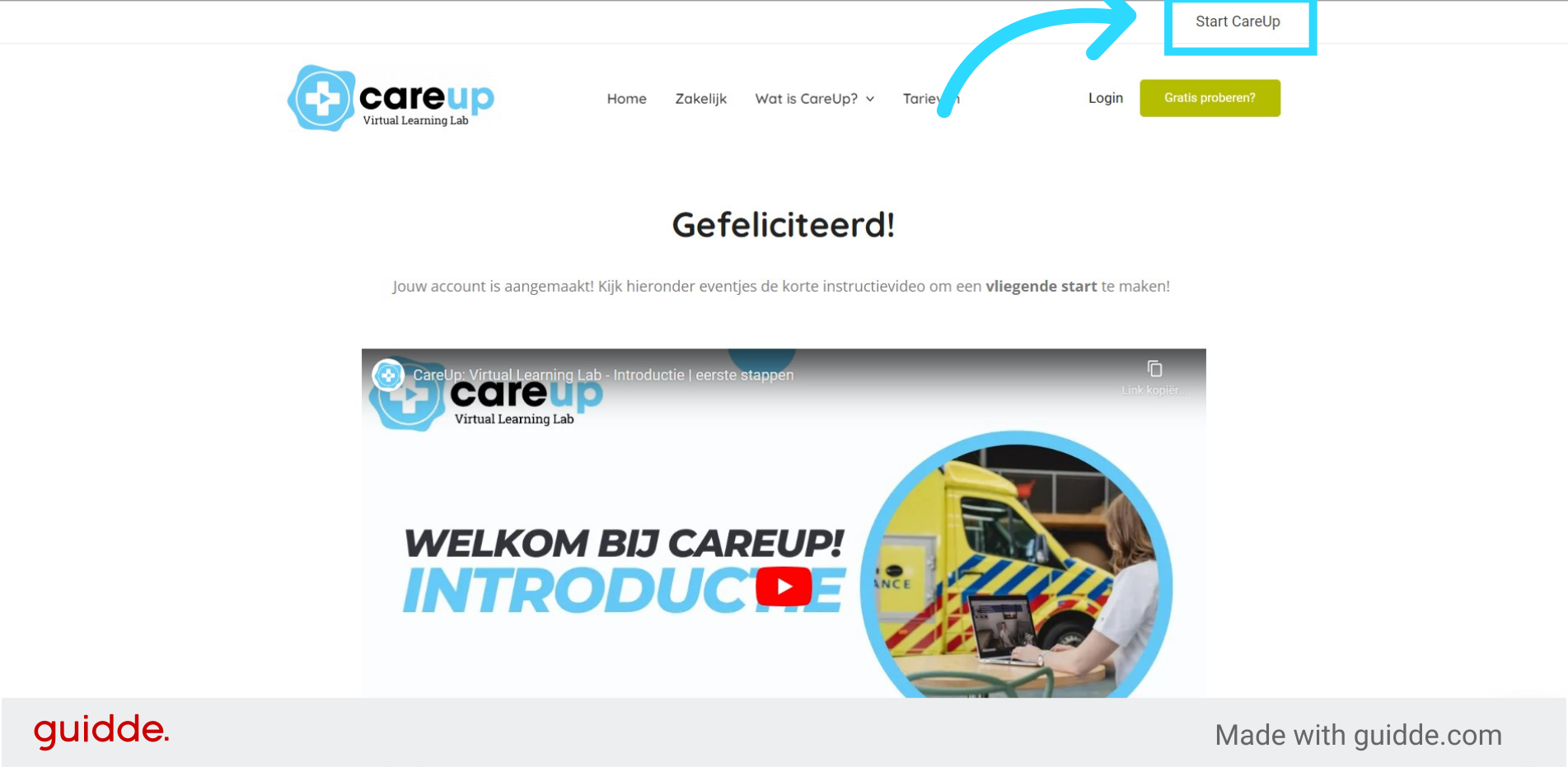
7. Account created! #
Congratulations, your account has now been created. You can start CareUp immediately by pressing the “Start CareUp” button.